
Sample report
See the report before you book.
See how equipment details, thermal images and findings come together in an IID report—and how the next steps are documented for your maintenance team.
PDF, 7 pages, 1.1 MB
View or download without submitting contact details.
01 / The report
A closer look at the report.
Enlarge a page to explore the detail, or open the PDF to read the full document.
Page 1 — Decision summary
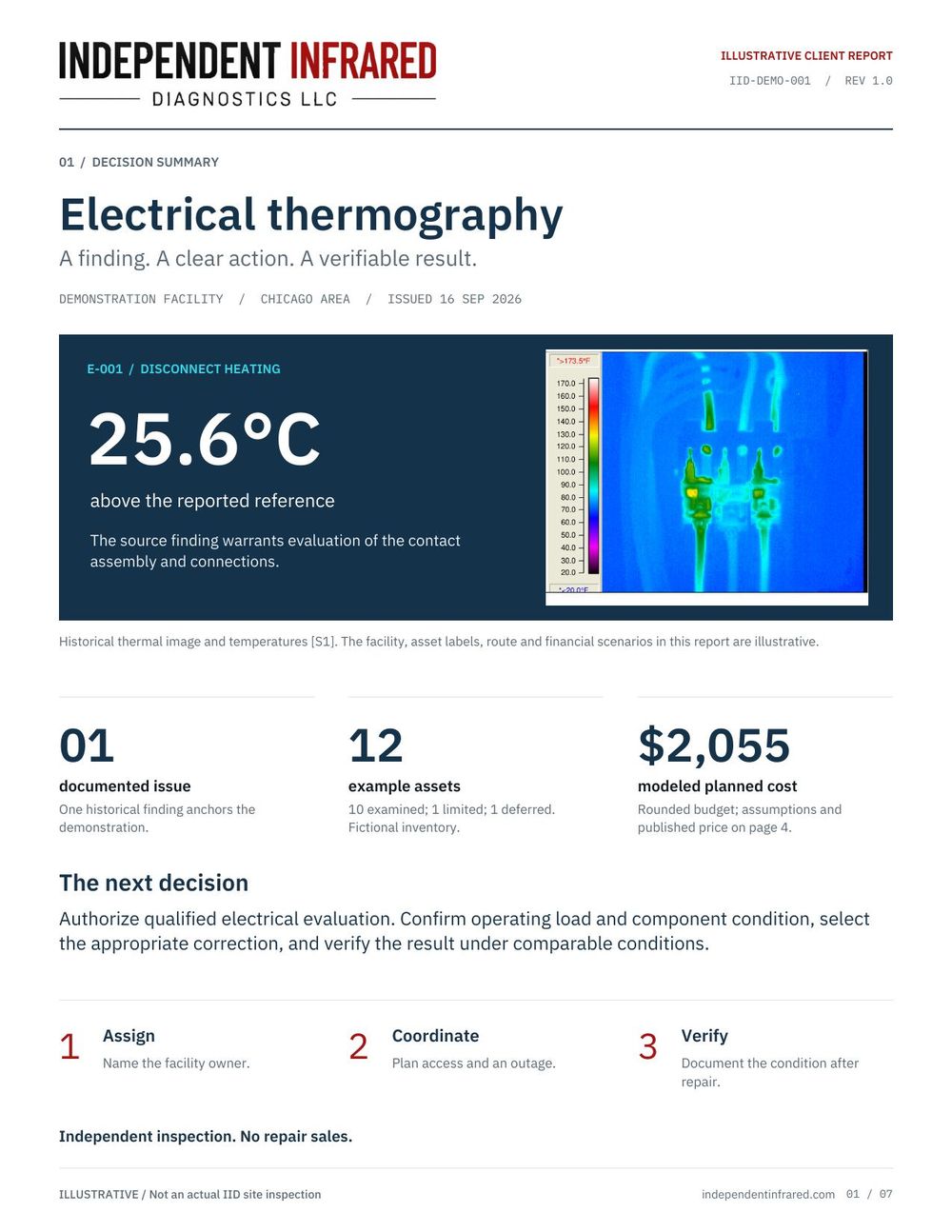
The main finding and the next decision for the facility team. Page 3 — Scope and coverage
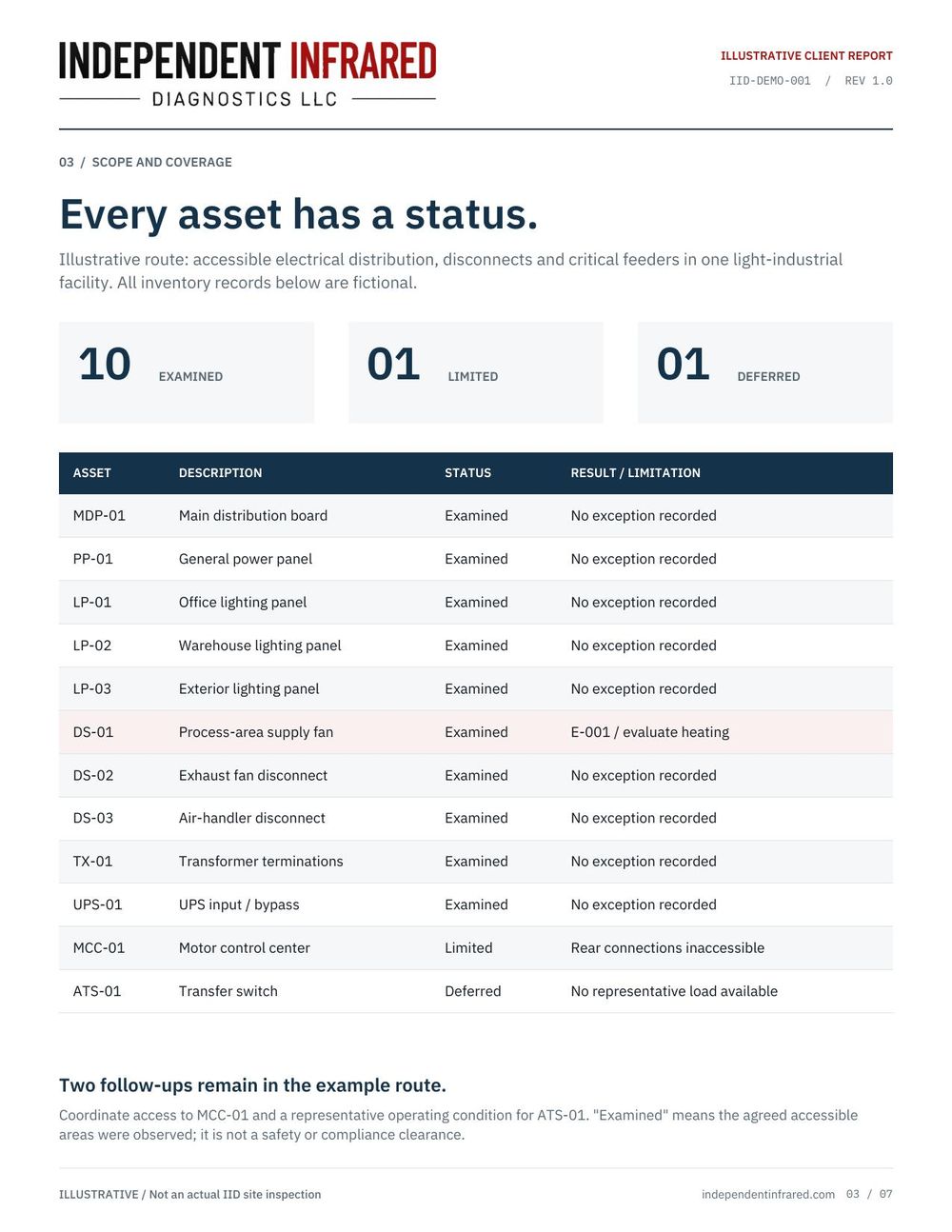
Equipment listed with its inspection status and access notes. Page 6 — Action and verification
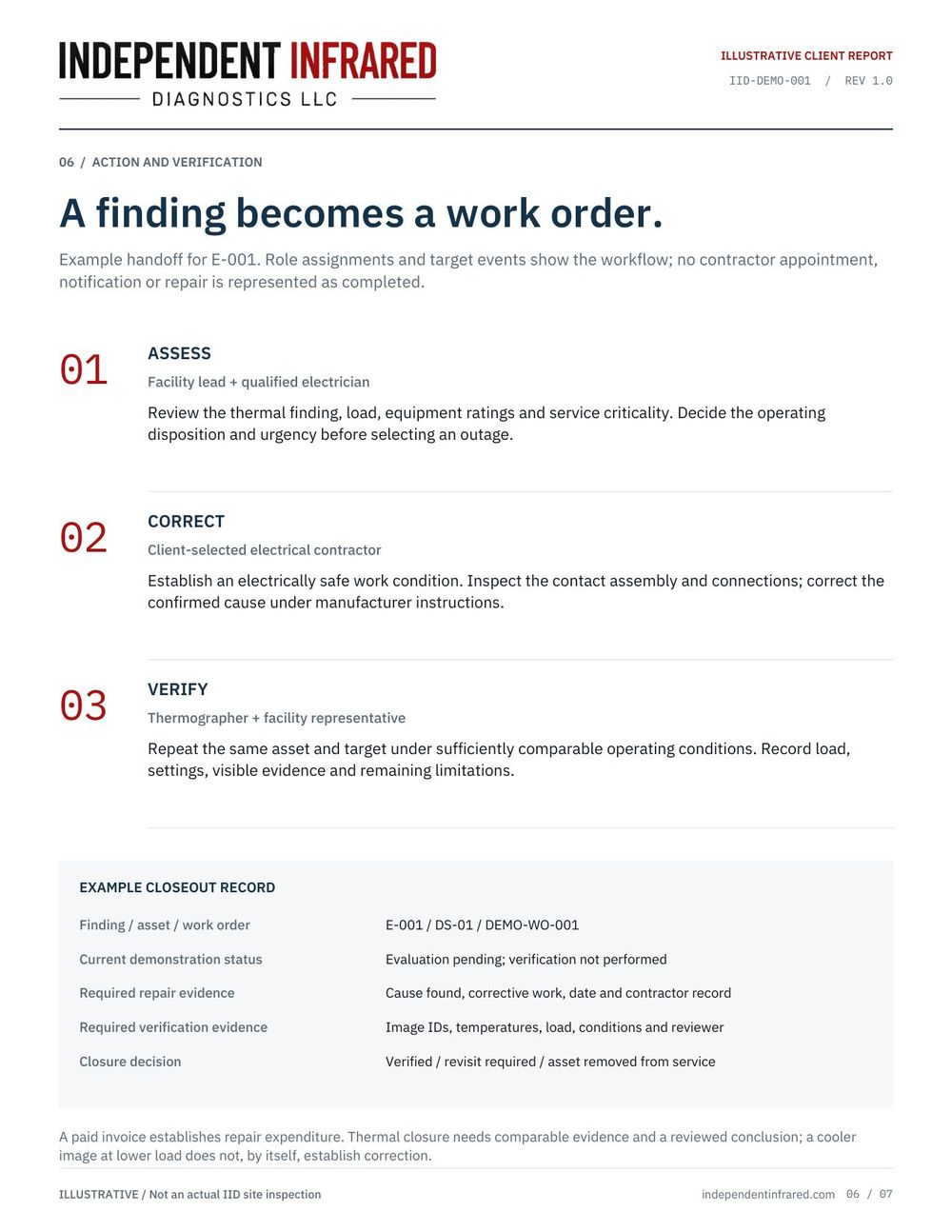
Responsibilities and records for corrective work and follow-up. Page 7 — Method and sources
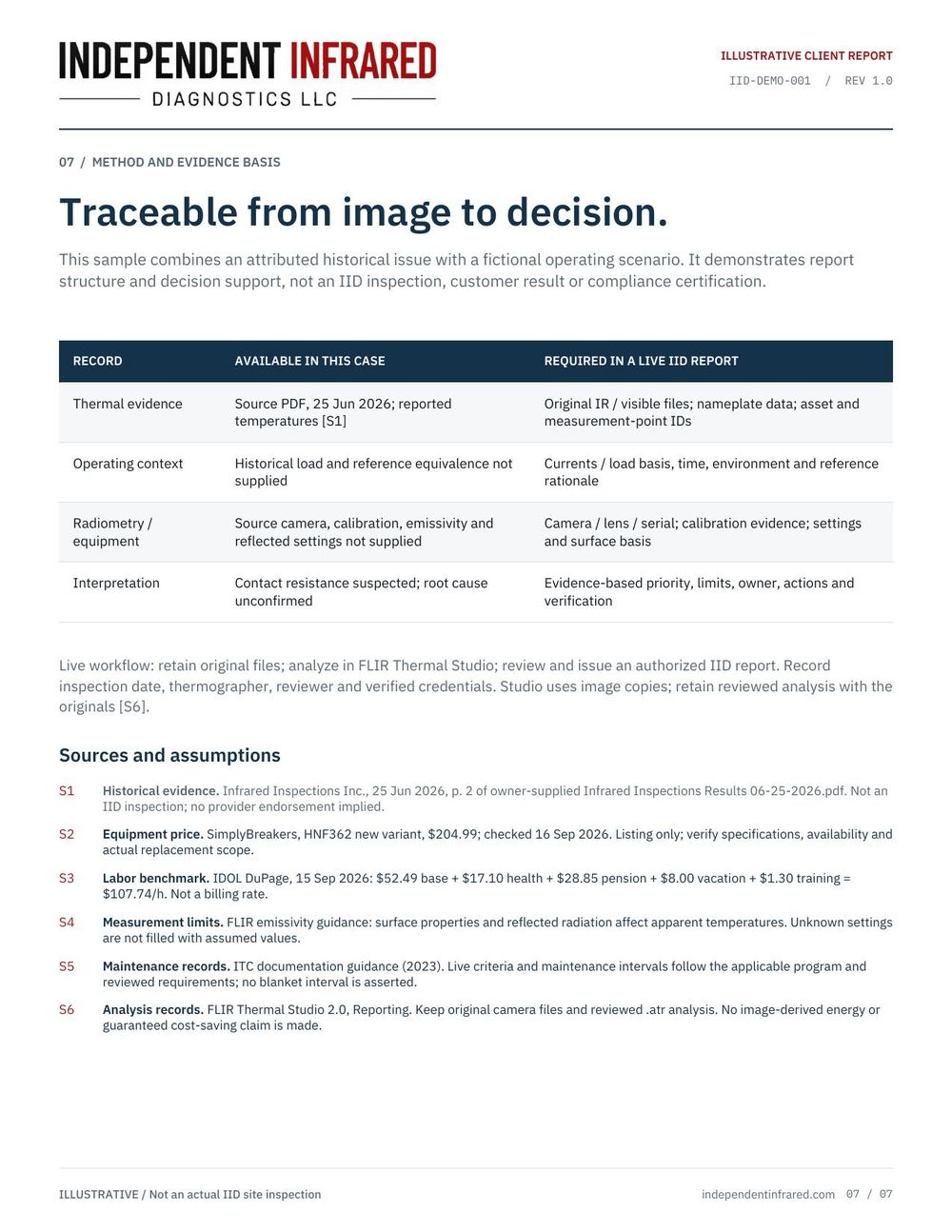
The basis of the demonstration and the sources behind it.
02 / After the inspection
From finding to follow-up.
John explains the findings so your team can discuss corrective work with its electrical professional. If follow-up scanning is needed, IID can return to document the thermal condition after the repair.
Independent inspection and reporting. No repair sales.
Ready to talk about your facility?
Tell John where the property is and what you need. Detailed equipment information can follow when you discuss the scope.